
Eshop and ERP: why your store needs to talk to your warehouse
Mismatched inventory, prices in two places, re-typed orders. Why an eshop needs ERP integration, what you gain, and what to ask before choosing a platform.
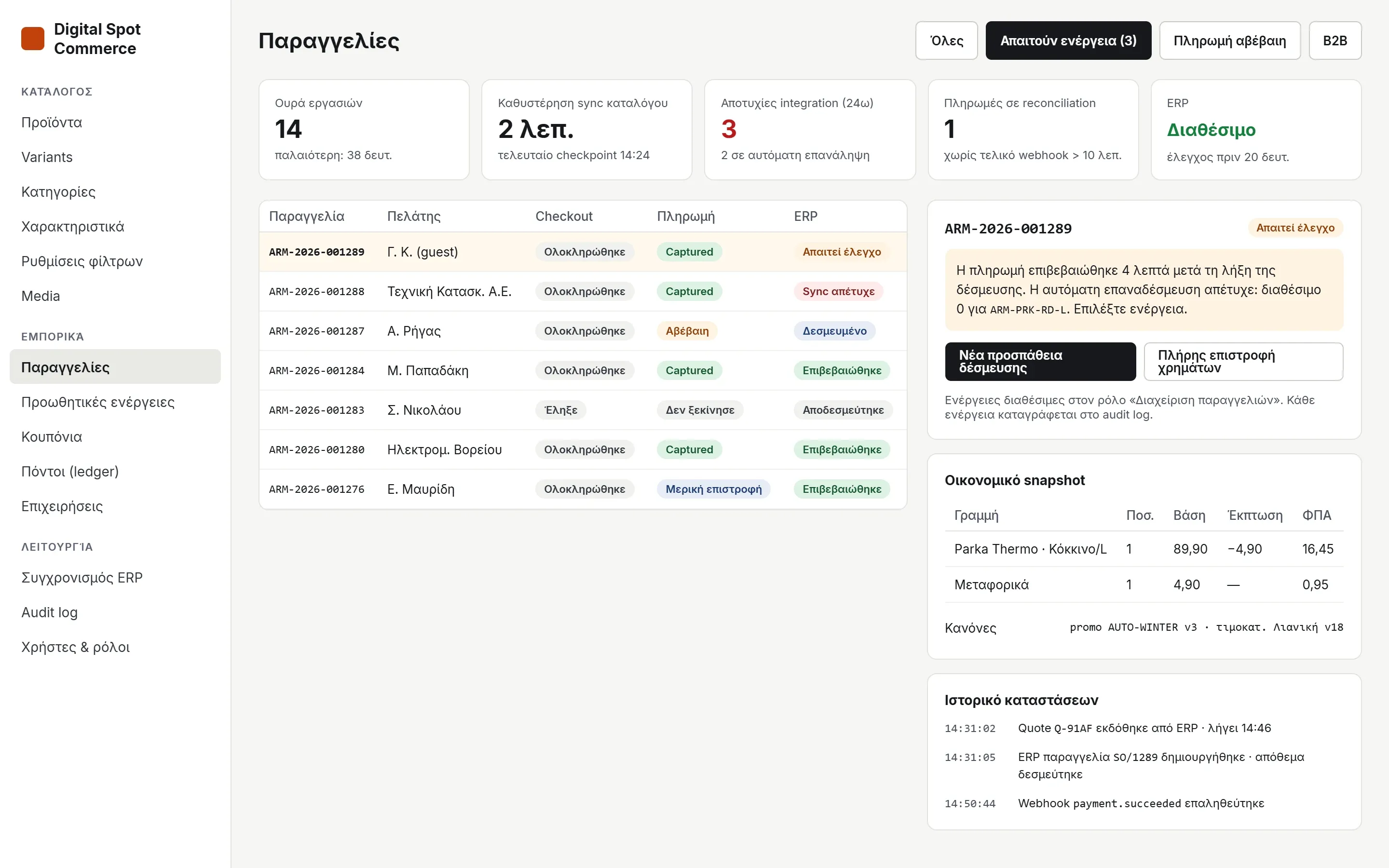
Most eshops start the same way: a theme, a few plugins, and products entered manually. As long as orders are few, it works. Then comes the day you sell something that's not in the warehouse, or a price changes in accounting but not on the site. That's when you realize the problem isn't the eshop. It's that the eshop and the ERP don't talk to each other.
The cost of not talking
In a Global Payments survey of 200 small merchants, 23% said they only find out a product is out of stock when a customer tries to buy it. 57% still track inventory manually, and 33% say their inventory and cash register don't sync properly.
And the customer won't wait. In a DOSS survey of 1,000 consumers in the US, 82% stated they will try a competitor if their preferred store is frequently out of stock, and 45% buy from another merchant the moment they find a product sold out.
But the cost isn't just lost sales. It's also:
- Double entries. Every website order is re-entered into the ERP, with the risk of human error that brings.
- Prices in two places. The price list changes in the ERP and someone has to remember to change it on the site as well.
- VAT and manual documents. Retail, B2B, intra-community sales, export: each case requires different handling, and mistakes show up later with the accountant.
- Cancellations and refunds for products sold that didn't exist.
What real integration means
Integration isn't a CSV file uploaded every night. It means the ERP is the single source of truth for everything related to money and inventory, and the eshop pulls from it:
- Products and variants with SKUs, weights, and attributes.
- Prices and price lists, general and customer-specific.
- Inventory, exactly as it is in the warehouse right now.
- Taxes and shipping, using the rules already active in accounting.
- Orders and documents, created automatically in the ERP upon checkout completion.
Your team doesn't work in two systems. The ERP keeps the numbers, the eshop keeps the presentation.
How we solved it in our own platform
We built our eshop platform from scratch around this idea, with Odoo ERP at the center. It's not a theme with a connection plugin slapped on top. Integration is its core.
Inventory
The last item is only sold once.
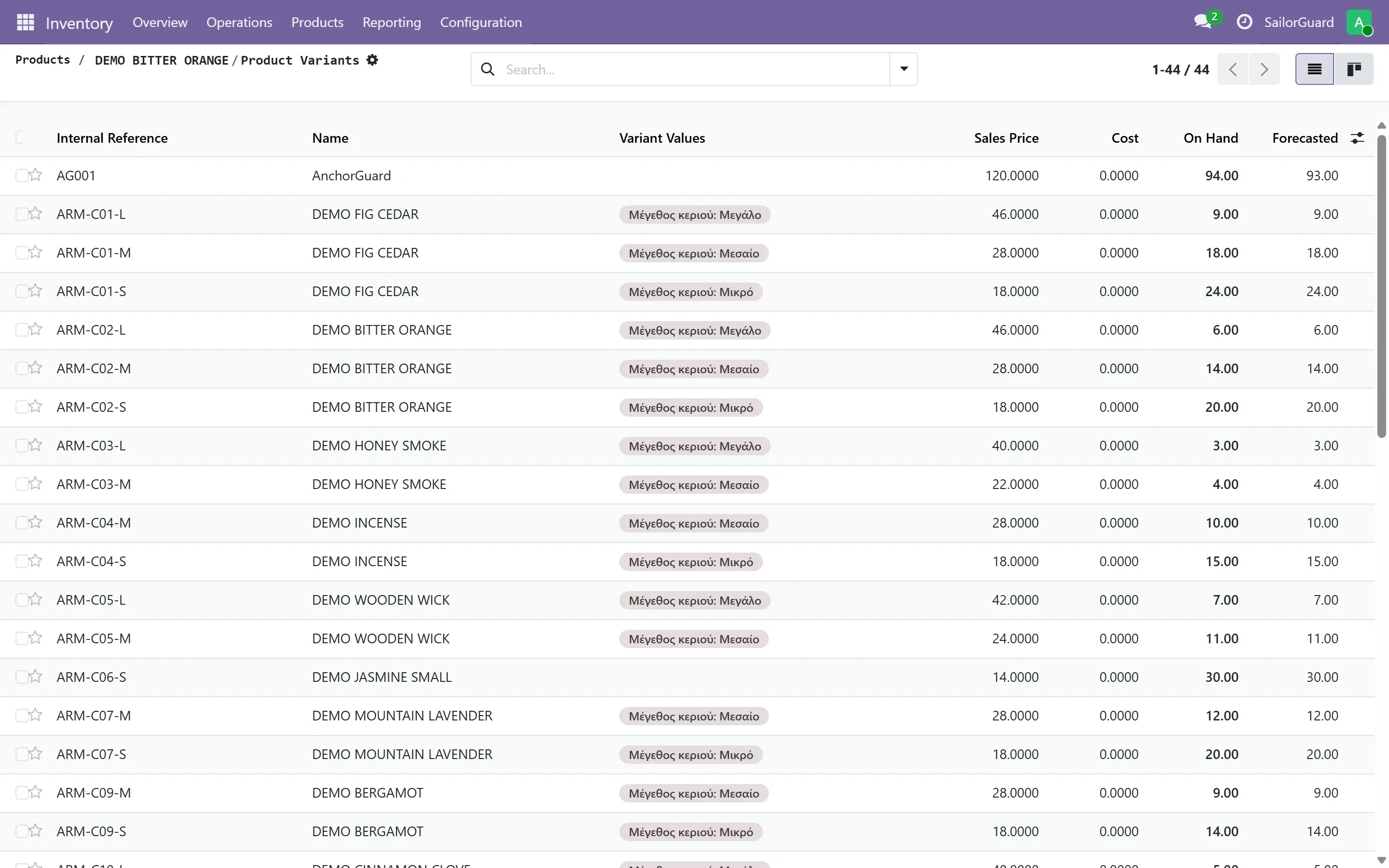
Every product and variant lives in Odoo with its SKU, price, and stock, and the eshop syncs automatically. Stock is reserved in the ERP at the moment of order in a single action, so two customers cannot buy the exact same last piece.
Prices & VAT
No amount comes from the browser.
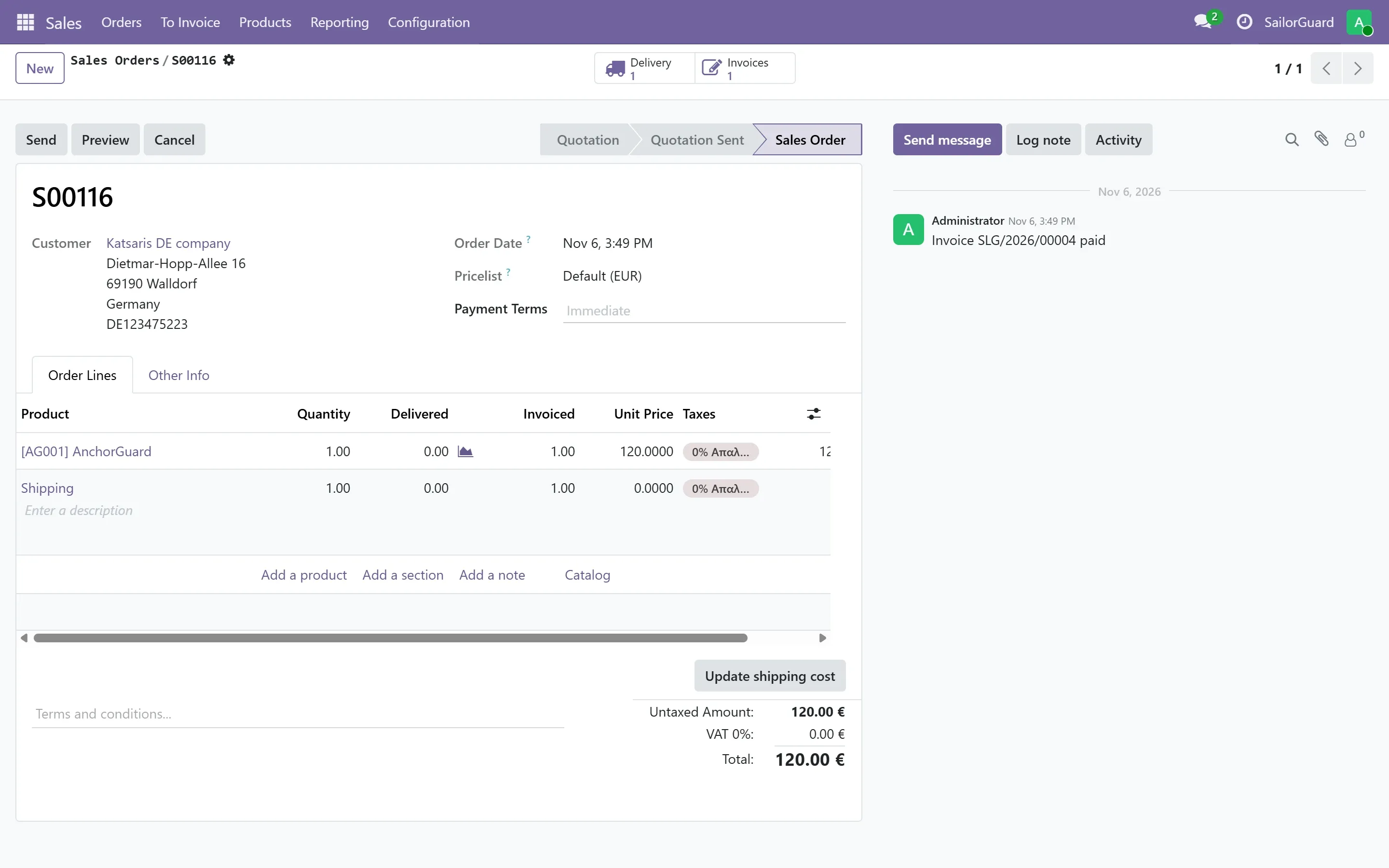
At every checkout, the final amount, taxes, and shipping costs are calculated by the ERP itself, using the customer's specific price list. The amount paid is exactly what will appear on the invoice, and the sales order is created automatically in Odoo.
Operation
When something gets stuck, you see it and fix it.
No integration is foolproof, which is why the admin panel shows the status of each order at checkout, payment, and ERP levels. Anything stuck is displayed with an explanation and a button for the next step, and every action is logged in the audit trail.
Comparison
Three ways to set up an eshop.
Where the numbers live and who does the work in each case.
| Feature | Eshop without ERPEverything manual | Eshop with pluginConnected on top | Our platformBuilt around the ERP |
|---|---|---|---|
| Inventory | Updated manually | Periodic sync | From ERP, with reservation at checkout |
| Prices & price lists | Second entry on site | Usually general price only | From ERP, and customer-specific |
| VAT & shipping | Eshop rules | Eshop rules | Calculated by ERP at every checkout |
| Orders in ERP | Re-typing | Automatic, unless they get lost in the middle | Automatically, with retry and visible status |
| Invoices | Separately, by hand | Depends on the plugin | From the ERP, with myDATA infrastructure |
| B2B | — | Usually with extra plugins | VAT check, custom prices, roles, PO |
| Content & SEO | On the eshop | Often replaced by synchronization | Yours, untouched by synchronization |
| Ownership | Depending on the platform | Platform and plugin subscriptions | Your own copy, with no commission per sale |
This comparison describes typical scenarios. Every platform and plugin differs, so it is worth asking the following questions about any solution you are considering.
What to ask before choosing
Whatever solution you are considering, these questions quickly separate a true integration from a superficial one:
- Where is the final amount calculated? If the eshop does it with its own rules, it will eventually disagree with accounting.
- What happens if two customers buy the last item at the same time? The answer should be "one of them cannot", not "we cancel afterwards".
- If the ERP connection drops for an hour, is any order lost? Orders should wait and resend themselves automatically.
- Does the synchronization delete my texts and photos? Numbers come from the ERP, but the presentation should remain yours.
- Does it support customer-specific pricing and B2B sales? If you also sell wholesale, this is not a luxury.
- Who owns the store and the data? And what do you pay for each sale.
The conclusion
An eshop without an ERP seems cheaper at first, but you pay the cost every day in time, errors, and lost customers. When the store and the warehouse speak the same language, your team focuses on selling rather than fixing.
If you don't have an ERP yet, you don't have to solve it alone. We set up Odoo along with the eshop so they launch together.
Sources: Global Payments, The sale you didn’t make* (study of 200 merchants). Chain Store Age, [Survey: Out-of-stocks often lead consumers to switch brands](https://chainstoreage.com/survey-stockouts-often-lead-consumers-switch-brands) (DOSS survey of 1,000 US consumers).*
Thinking about an eshop with an ERP?
See our platform work with Odoo.
In a brief demo, we walk an order through from the cart to the invoice, and you see where every number goes.
- eshop
- ERP
- Odoo
- inventory
- invoicing
- B2B
Read next
All: Blog ↗
Eshop & ERP
Mobile-First UX: Why Users Abandon E-Shops on Mobile and How to Fix It
Discover the most common mobile e-shop design mistakes and learn practical ways to improve UX to boost your conversions.
Nov 18, 2026

Eshop & ERP
How AI Chatbots and Automations Increase E-shop Sales in 2026
Discover how AI chatbots and smart automations transform customer service, reduce cart abandonment, and increase conversions in your e-shop in 2026.
Nov 16, 2026
Eshop & ERP
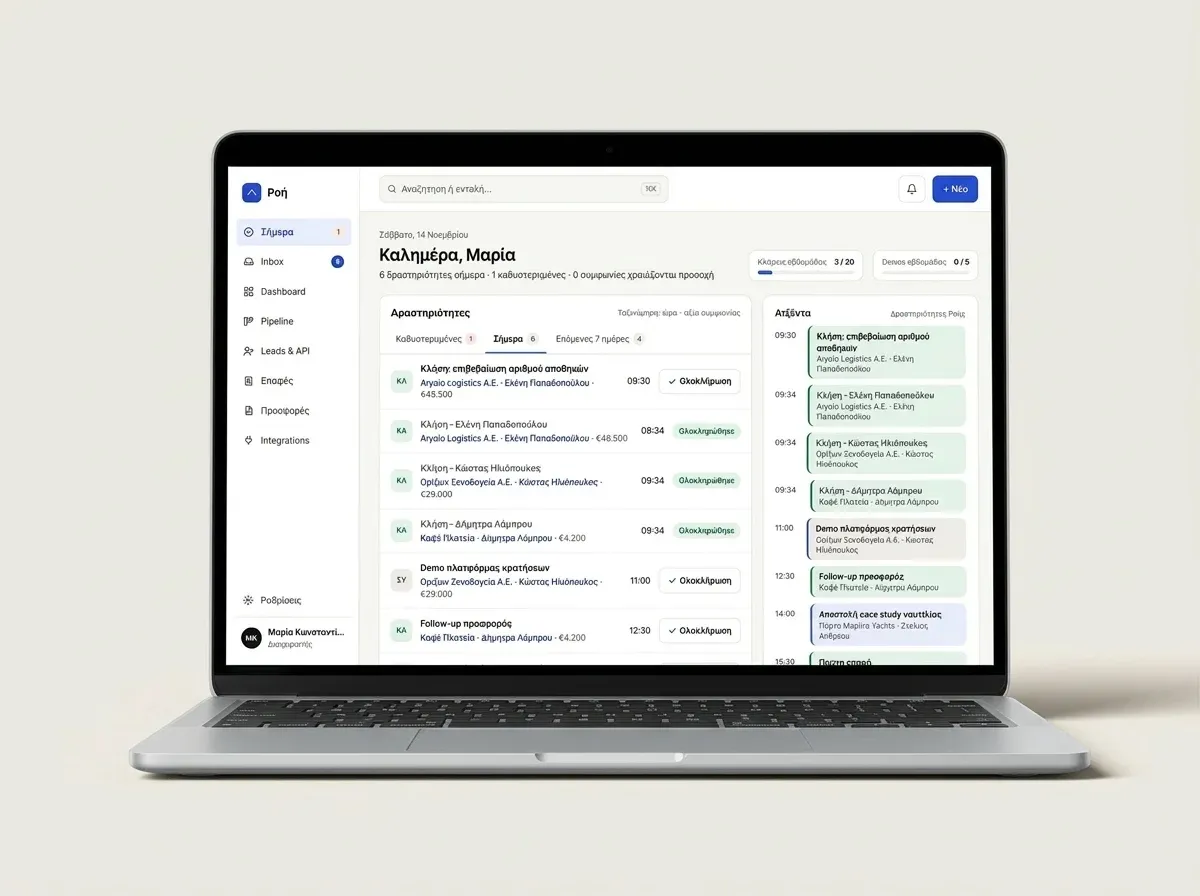
The Advantages of CRM and ERP Integration: The Power of Roi CRM
Discover the advantages of a modern CRM, the benefits of ERP integration, and how Roi CRM transforms your business sales and processes.
Nov 14, 2026